

Get Minute
Returns the minute of a date and time, from 0 to 59.
Get Minute returns the minute of a date and time, from 0 to 59.
Add the action
In the Process Designer toolbox, open DateTime and pick Get Minute (or type Get Minute in the search box).
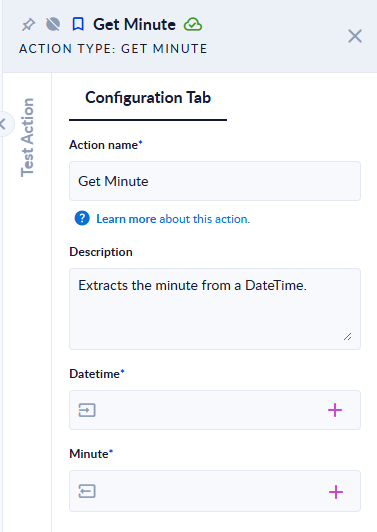
Inputs and outputs
| Field | Direction | Type | Required | What to put / what you get |
|---|---|---|---|---|
| Datetime | Input | Date and time | Yes | The date and time to read the minute from. |
| Minute | Output | Integer | Yes | The minute. |
Example
| Datetime | Minute |
|---|---|
2024-06-15T13:45:30 | 45 |
2024-06-15T13:45:30+05:30 | 15 (the value is 08:15:30 in UTC) |
Good to know
- Time zone: a value that carries a UTC offset (for example
2025-01-01T01:00:00+02:00) is first converted to UTC, and the part is read from the UTC value. A value without an offset, or ending inZ, is used as it is. - Seconds are ignored:
13:45:59still gives45. - An empty or invalid Datetime (for example
2023-02-29ornot a date) stops the step with an error.