

Today
This action gets the current date.
This action gets the current date.

Inputs & Outputs
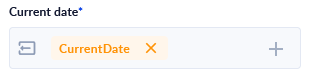
- [ O ] Current date: DateTime containing the current date only.
Example Usage
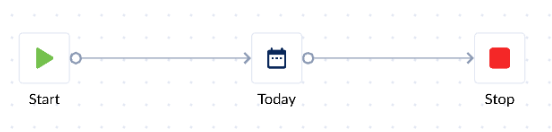
- Drag action onto canvas to get familiarized with it.
- Declare some variables to be used with the action.
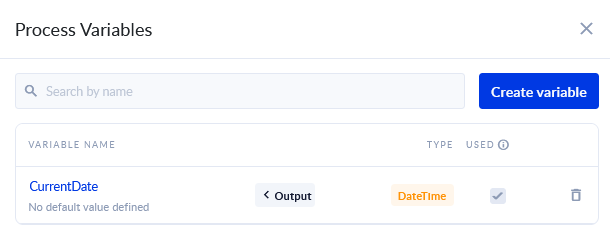
- Assign the newly created variables.
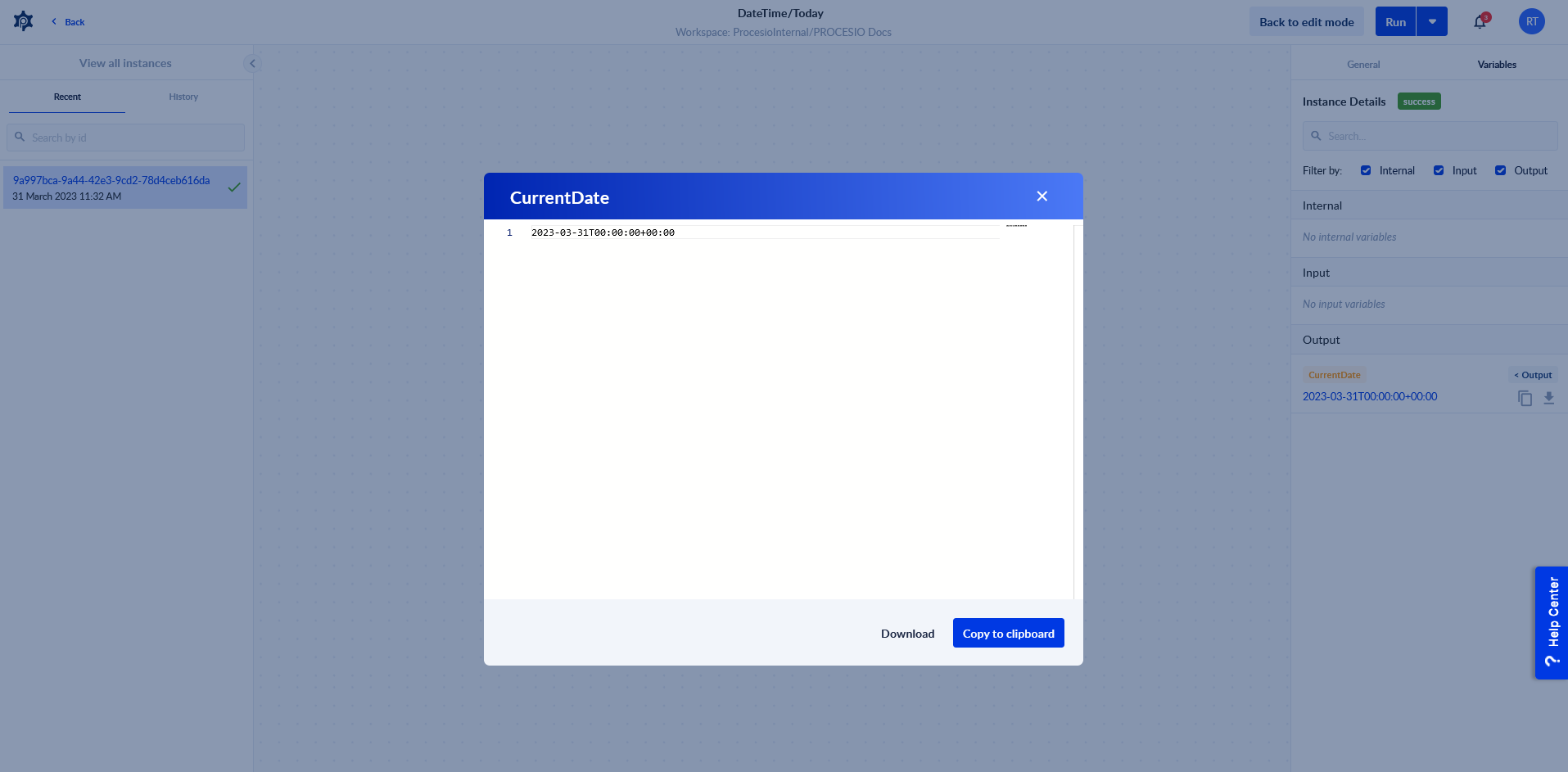
- Save & Run the process and then Check Instance to see the output.
Use Cases
- Mentioning the current date in documents created using the Document Designer.
Tips
- The current date is in UTC standard so timezone differences should be considered.
- If you also need the time and not just the date, consider using UTC Now.