

List Standard Deviation
This action computes the standard deviation, which measures the amount of variation or dispersation in the entire population of data points.
This action computes the standard deviation, which measures the amount of variation or dispersation in the entire population of data points.
Inputs & Outputs
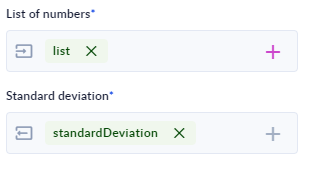
- [ I ] List of numbers: Double (List) representing data points for calculating the standard deviation.
- [ O ] Standard deviation: Double (Single Value) representing the measure of variability in the data set derived from the input list.
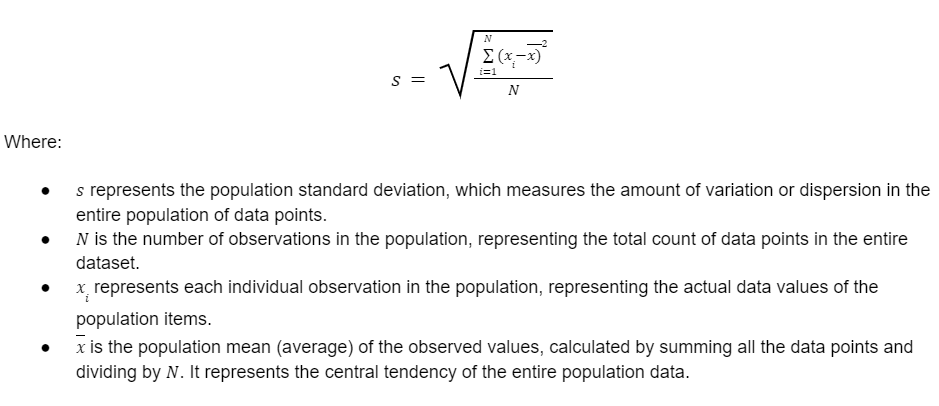
The List Standard Deviation action uses the Population Standard Deviation formula:
Example Usage
- Drag the List Standard Deviation action from the Community-Made folder to the canvas.
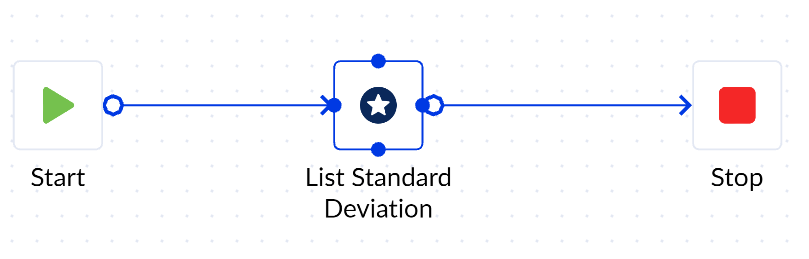
- Declare the variables to be used with the List Standard Deviation action.
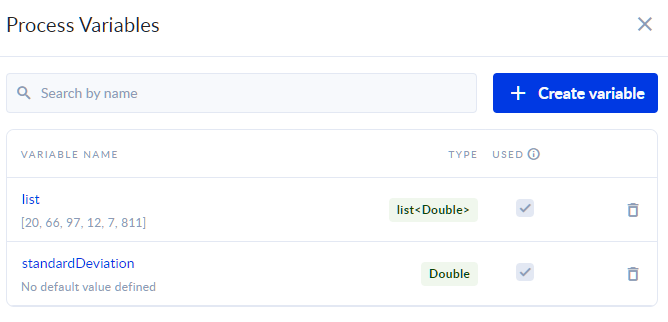
- Assign the newly created variables.
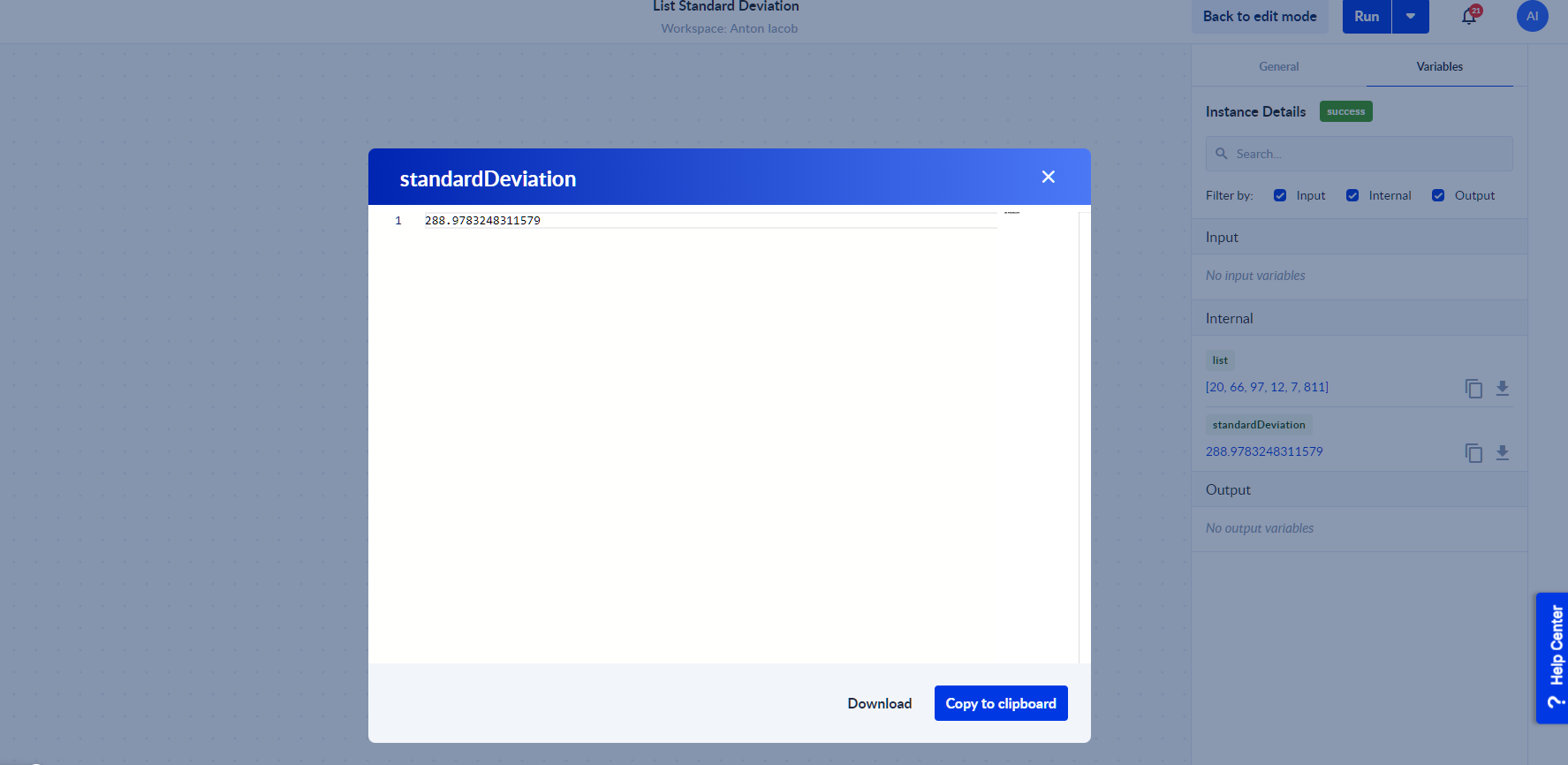
- Save & Run the process and then Check Instance to see the output.
Use Cases
- By analyzing the population standard deviation for page load times and response times, you can identify patterns that may cause slow or inconsistent user experiences, pinpointing potential performance bottlenecks.
Tips
- When working with data representing an entire population (full population data), opt for the List Standard Deviation action to accurately measure the variability. However, if you are dealing with a sample from a larger population, do NOT use the List Standard Deviation action.
Creator
- Franck - The Productivity Lab