

Null Or Empty
Checks whether a text has no value or is empty, and returns true or false.
Null Or Empty checks whether a text has no value at all or is an empty text. It returns true or false, so you can use it in a decision, for example to skip a step when an optional form field was left blank.
Add the action
In the Process Designer toolbox, open String and pick Null Or Empty (or type Null Or Empty in the search box).
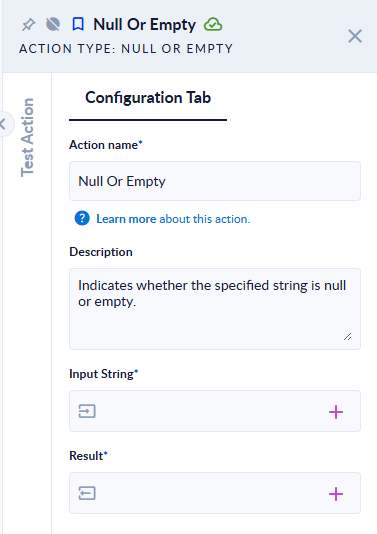
Inputs and outputs
| Field | Direction | Type | Required | What to put / what you get |
|---|---|---|---|---|
| Input String | Input | Text | Yes | The text to check, usually a variable. |
| Result | Output | Boolean (true/false) | Yes | true when the text has no value or is empty, otherwise false. |
Example
| Input String | Result |
|---|---|
| (no value) | true |
| (empty text) | true |
(spaces only) | false |
x | false |
Good to know
- A text with only spaces is not empty. To treat it as empty, run it through Trim first.