

Time Difference
This action computes the difference between two DateTime values. [hour, minute, second]
This action computes the difference between two DateTime values. [hour, minute, second]
Inputs & Outputs
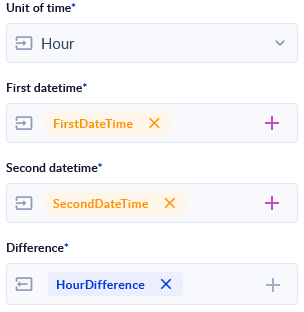
- [ I ] Unit of time: Drop-down to choose which unit of time will be used for measuring the difference.
- Hour
- Minute
- Second
- [ I ] First Datetime: DateTime representing the minuend.
- [ I ] Second Datetime: DateTime representing the subtrahend.
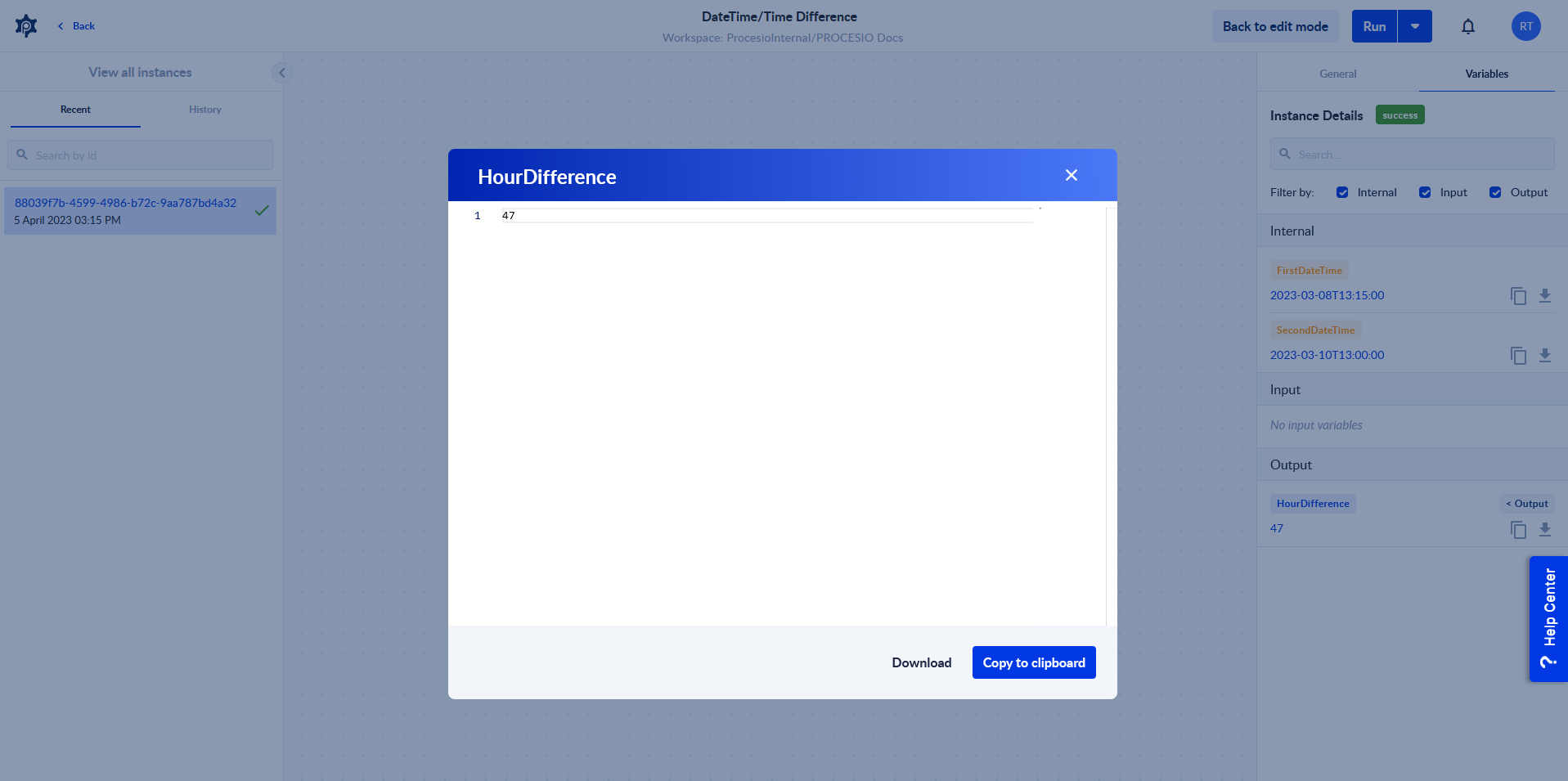
- [ O ] Difference: Integer equal to the result of First Datetime - Second Datetime in Unit of time.
Example Usage
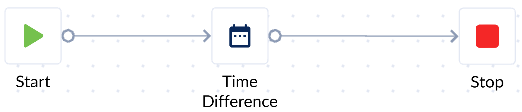
- Drag action onto canvas to get familiarized with it.
- Declare some variables to be used with the action
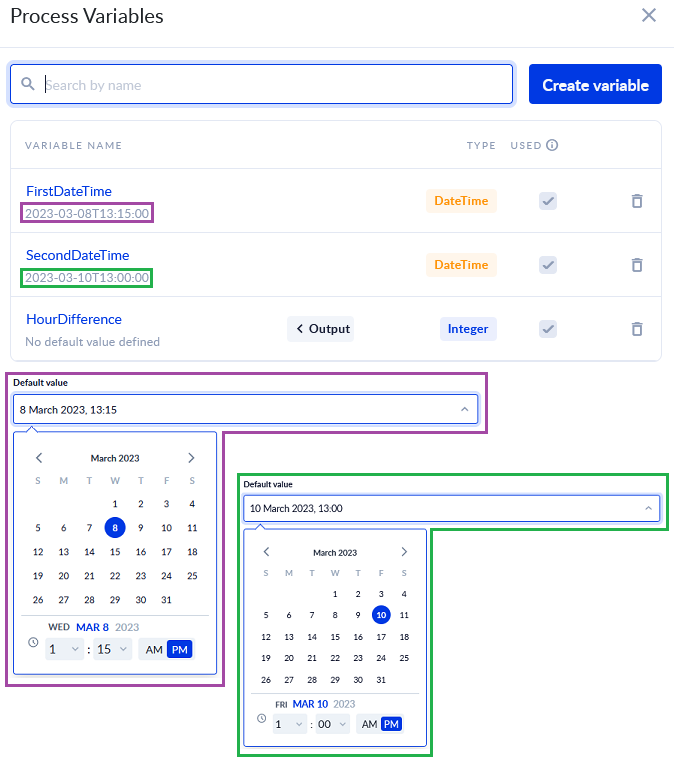
- Assign the newly created variables.
- Save & Run the process and then Check Instance to see the output.
Use Cases
- Computing the time difference between two DateTime values.
Tips
- If Second Datetime is lesser than First Datetime, the Difference will be negative.
- To compute date difference, consider using Date Difference.