

Document Designer
Create document templates and generate filled-in documents from process data.
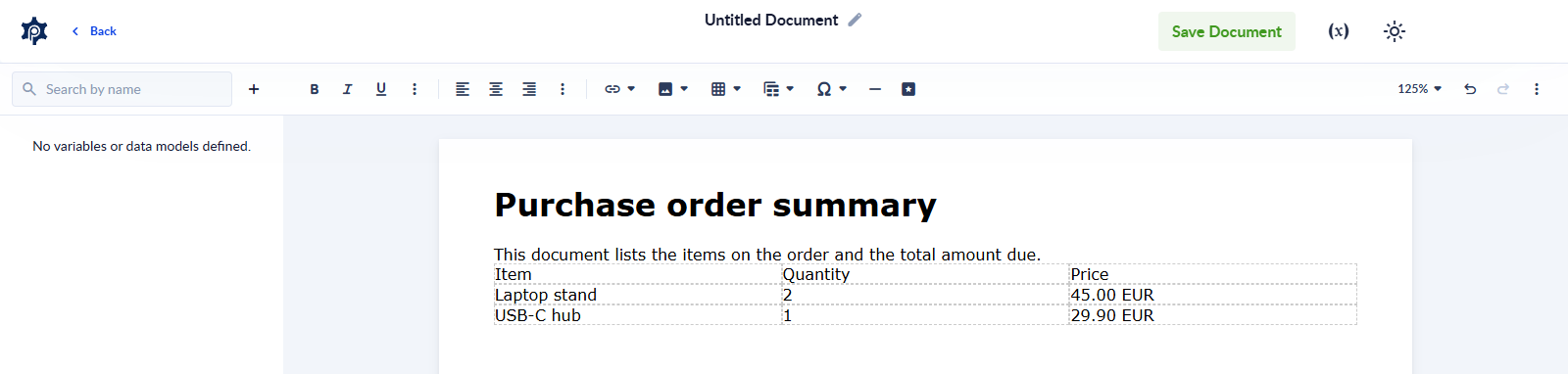
The Document Designer lets you build your own document templates — invoices, contracts, reports, notification emails, anything you print or send out — and fill them automatically with the data flowing through your processes. Lay out the text, images and tables once; every run of your process produces a new document with that run's own data dropped in.
It's two halves of one workflow:
- Create a document template — design the document in the built-in editor and mark the spots that should change with variables.
- Use the template in a process with the Generate Document action, mapping your process's data onto those variables, to produce a PDF or HTML file (or both) on every run.
Working with Data Models
Create data models by hand or from JSON, duplicate them, make them public, delete them, and use them as the type of process variables.
Document template creation
Build a document template in the Document Designer: variables, data-model tables, formatting, Code View and everything else the editor offers.