

JSON Is Valid
Checks that a text is well-formed JSON. The step succeeds when it is and fails when it is not.
The Is Valid action in the JSON folder checks that a text is well-formed JSON before you parse it or send it on. It has no output: the step succeeds when the JSON is valid and fails when it is not, so you handle the result with the action's success and error paths.
Add the action
In the Process Designer toolbox, open JSON and pick Is Valid. The HTML, XML and PDF folders each have an action with the same name, so check the folder.
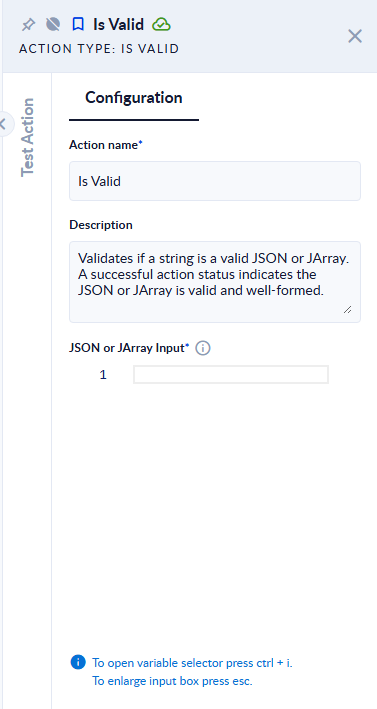
Inputs and outputs
| Field | Direction | Type | Required | What to put / what you get |
|---|---|---|---|---|
| JSON or JArray Input | Input | Text | Yes | The JSON text to check: an object such as {"a":1} or an array such as [1,2]. |
The action has no output. The result is the step status.
What happens
| JSON or JArray Input | Step result |
|---|---|
{"a":1} or [1,2] | Succeeds |
{"a":1 (not closed) | Fails with JSON/JArray input is not valid |
| empty | Fails with JSON/JArray input is null. |
Good to know
- The check is about syntax only (well-formed JSON). It does not check the content against a schema.
- Connect the action's error port if an invalid input should not stop the process.
- A single JSON value, such as a number (
42) or a quoted text, also counts as well-formed JSON.