

XLS To XLSX
Converts an old Excel .xls file (Excel 97–2003) to the .xlsx format.
XLS To XLSX converts an old-format Excel file (.xls, Excel 97–2003) to a modern .xlsx workbook. The other Excel actions only read .xlsx and .xlsm, so use this action first when you receive .xls files.
Add the action
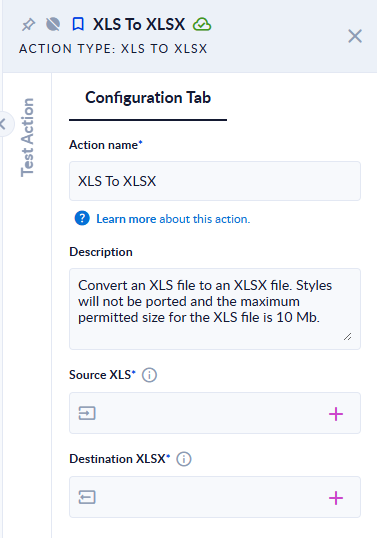
In the Process Designer toolbox, open Excel and pick XLS To XLSX (or type XLS To XLSX in the search box).
Inputs and outputs
| Field | Direction | Type | Required | What to put / what you get |
|---|---|---|---|---|
| Source XLS | Input | File | Yes | The .xls file, at most 10 MB. |
| Destination XLSX | Output | File | Yes | The converted workbook, with the same name and the .xlsx extension. |
Example
| Source XLS | Destination XLSX |
|---|---|
input.xls with a sheet Sheet1 holding a table of people | input.xlsx with the sheet Sheet1 and the same cell values |
orders.xlsx | The step fails: "Input error: File extension should be '.xls' => .xlsx" |
Good to know
- Every sheet is converted, with its name.
- Only the cell content is converted. Styles (fonts, colours, borders, number formats) are not.
- Files larger than 10 MB are refused with "Input error: Input XLS max size exceeded …".
- The file name must end in
.xls.