

Length
Returns the number of characters in a text.
Length counts the characters in a text, spaces included. Use it to check that a code has the right length, or to calculate a position for Take From Middle.
Add the action
In the Process Designer toolbox, open String and pick Length (or type Length in the search box). The List folder has an action with the same name that counts list items; make sure you pick the one in String.
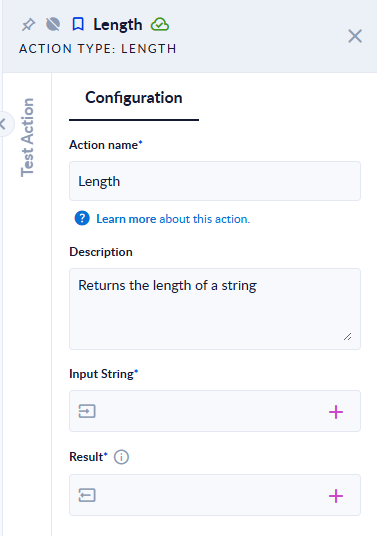
Inputs and outputs
| Field | Direction | Type | Required | What to put / what you get |
|---|---|---|---|---|
| Input String | Input | Text | Yes | The text to measure. |
| Result | Output | Integer | Yes | The number of characters. |
Example
| Input String | Result |
|---|---|
Hello world | 11 |
Ștefan | 6 |
| (empty text) | 0 |
ok👍 | 4 |
Good to know
- Spaces, tabs and line breaks count as characters.
- An empty text, or a text with no value, gives
0. - Most emoji count as 2 characters (the last example). Letters with diacritics, such as
Ș, count as 1.