

Take From Right
Returns the last characters of a text, as many as you choose.
Take From Right returns the last characters of a text, for example the last 4 digits of an account number or a file extension of known length.
Take From Right was previously called String Right.
Add the action
In the Process Designer toolbox, open String and pick Take From Right (or type Take From Right in the search box).
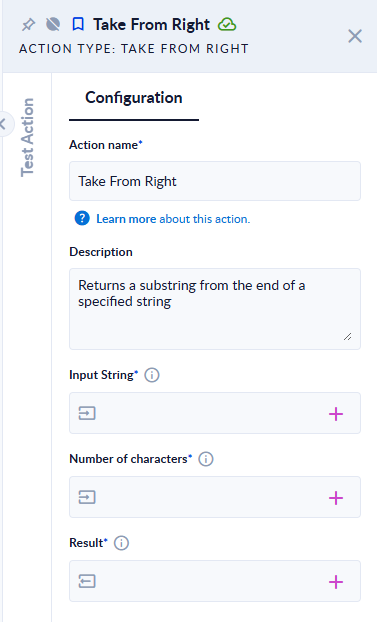
Inputs and outputs
| Field | Direction | Type | Required | What to put / what you get |
|---|---|---|---|---|
| Input String | Input | Text | Yes | The text to take characters from. |
| Number of characters | Input | Integer | Yes | How many characters to return, counted from the right. |
| Result | Output | Text | Yes | The last characters of the text. |
Example
| Input String | Number of characters | Result |
|---|---|---|
Hello world | 5 | world |
Hello | 50 | Hello |
Hello | -2 | (empty text) |
Good to know
- Asking for more characters than the text has is safe: you get the whole text.
- A number of
0or less gives an empty text. The step does not fail. - An empty input gives an empty result.