

To Lower
Converts every letter of a text to lowercase.
To Lower returns a copy of a text with every letter in lowercase. Use it to normalise email addresses or user input before you compare them, because most text actions are case-sensitive.
Add the action
In the Process Designer toolbox, open String and pick To Lower (or type To Lower in the search box).
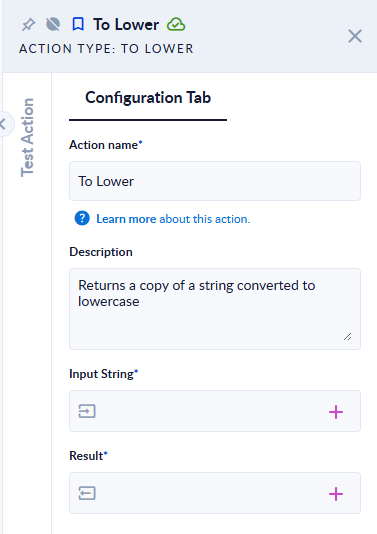
Inputs and outputs
| Field | Direction | Type | Required | What to put / what you get |
|---|---|---|---|---|
| Input String | Input | Text | Yes | The text to convert. |
| Result | Output | Text | Yes | The same text in lowercase. |
Example
| Input String | Result |
|---|---|
Ana.Pop@Example.COM | ana.pop@example.com |
HELLO, ȘTEFAN! 123 | hello, ștefan! 123 |
Good to know
- Letters with diacritics keep them (
Ș→ș). Digits and punctuation do not change.