

Trim
Removes spaces, tabs and line breaks from both the start and the end of a text.
Trim removes the white space (spaces, tabs, line breaks) at the start and at the end of a text. The spaces inside the text stay. Use it to clean values typed in a form or read from a file before you compare or store them.
Add the action
In the Process Designer toolbox, open String and pick Trim (or type Trim in the search box).
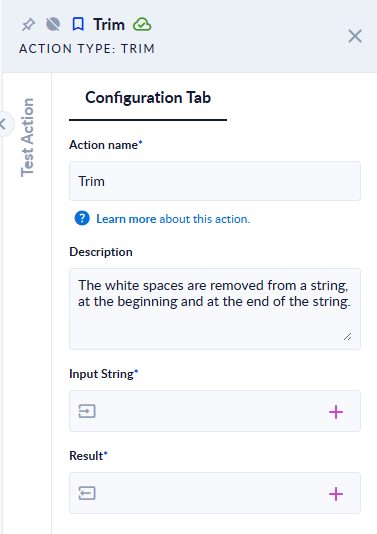
Inputs and outputs
| Field | Direction | Type | Required | What to put / what you get |
|---|---|---|---|---|
| Input String | Input | Text | Yes | The text to clean. |
| Result | Output | Text | Yes | The text without leading and trailing white space. |
Example
| Input String | Result |
|---|---|
hello world + tab | hello world |
new line + hello + Windows line break | hello |
(spaces only) | (empty text) |
Good to know
- White space means spaces, tabs, new lines, carriage returns and other Unicode spaces such as the non-breaking space.
- Spaces between words are kept. To remove or replace them, use Replace.